Case Study
Tip Calculator App
A functional and responsive Tip Calculator app that allows users to quickly calculate tips and split bills with ease. Built with clean, modern UI and interactive JavaScript logic, the app lets users enter a bill amount, choose a tip percentage, and optionally divide the total among multiple people.
Preview
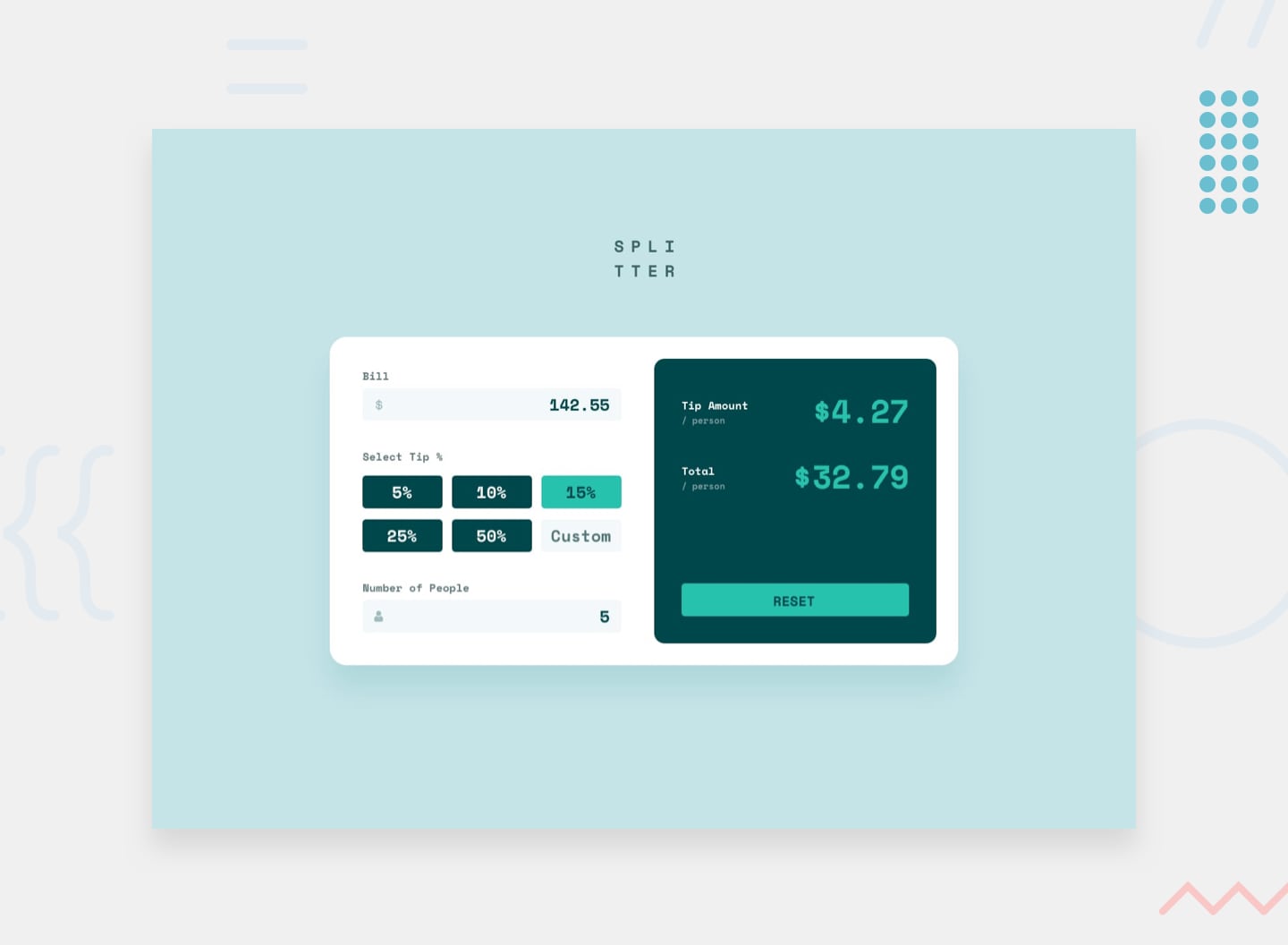 Desktop
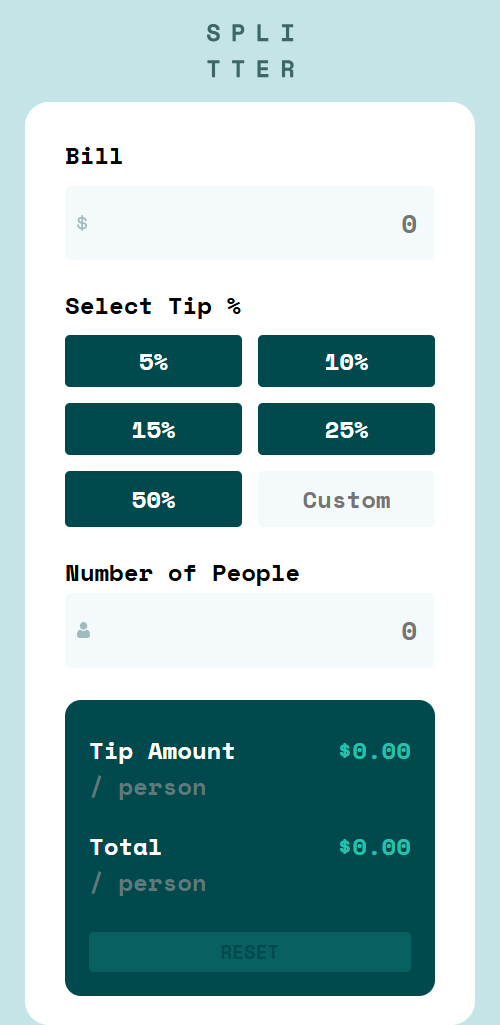 Mobile
Overview
About This Project
The Brief
A Frontend Mentor challenge where users enter a bill amount, select a tip percentage (preset or custom), and split the total across a number of people. The app displays tip amount per person and total amount per person in real time.
The goal wasn't just to make it work — it was to build it the right way, with a clear separation of concerns, reusable validation logic, and a structure anyone could read and maintain.
My Approach
Before writing a single line of JavaScript, I planned the app around three distinct responsibilities:
Validation — each field has its own dedicated validation function that returns true or false and handles its own error display.
Calculation — a pure calculate function that receives values as arguments and does nothing but math.
Coordination — a handleInput controller that reads values from the DOM, runs all validations, and only calls calculate if every field passes.
For tip selection, I used event delegation — one click listener on the tip container handles all five preset buttons, coordinating with a separate input listener for the custom tip field. A selectedTip variable in the outer scope acts as shared state between both listeners.
Reusable showError and clearError helpers with default parameters handle all error display across every field, keeping things DRY.
Challenges and How I Overcame Them
1. CSS Specificity Breaking Validation Styles
all: unset on input fields was overriding
.invalid and .valid border styles — so validation feedback was never visible even though classes were being added.
This was identified in DevTools via a struck-through rule. It was fixed by increasing specificity:
.input.invalid overrides .input alone.
2. Premature Errors on Untouched Fields
Typing a bill amount was immediately triggering errors on the people field the user hadn't interacted with yet.
The fix was to only validate a field if the user has started typing in it — empty untouched fields return false silently.
3. NaN Slipping Past Validation
parseFloat('') returns NaN, and NaN < 1 evaluates to false, allowing empty fields to pass validation.
This was resolved by explicitly guarding with:
if (!value || isNaN(value) || value < 1).
4. Short Circuit Evaluation Hiding Multiple Errors
Inline && validation caused only one error to appear at a time because JavaScript stops evaluating as soon as a condition fails.
This was fixed by storing each validation result in a variable first, ensuring all validations run before final evaluation.
5. Layout Breaking on Extreme Values
The app was stress-tested with an unrealistically large tip percentage, causing output values to overflow their containers. This was resolved by adding a validation cap on tip percentage and applying defensive CSS overflow handling.
Key Takeaways
Simple apps aren't really simple. Planning architecture before writing code, and understanding every line before moving on, is what separates code that works from code that's built to last.
Tools Used