Preview
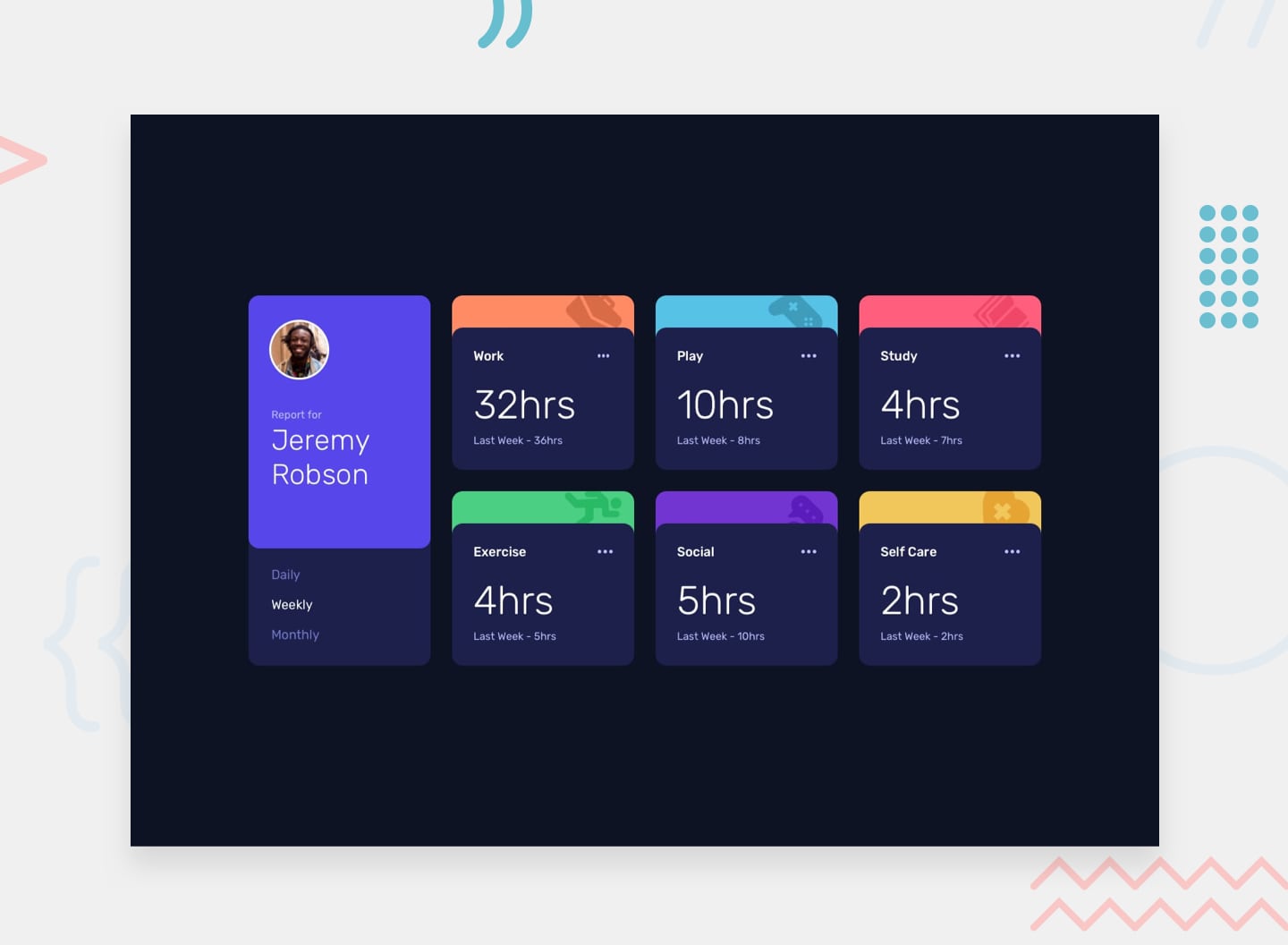 Desktop
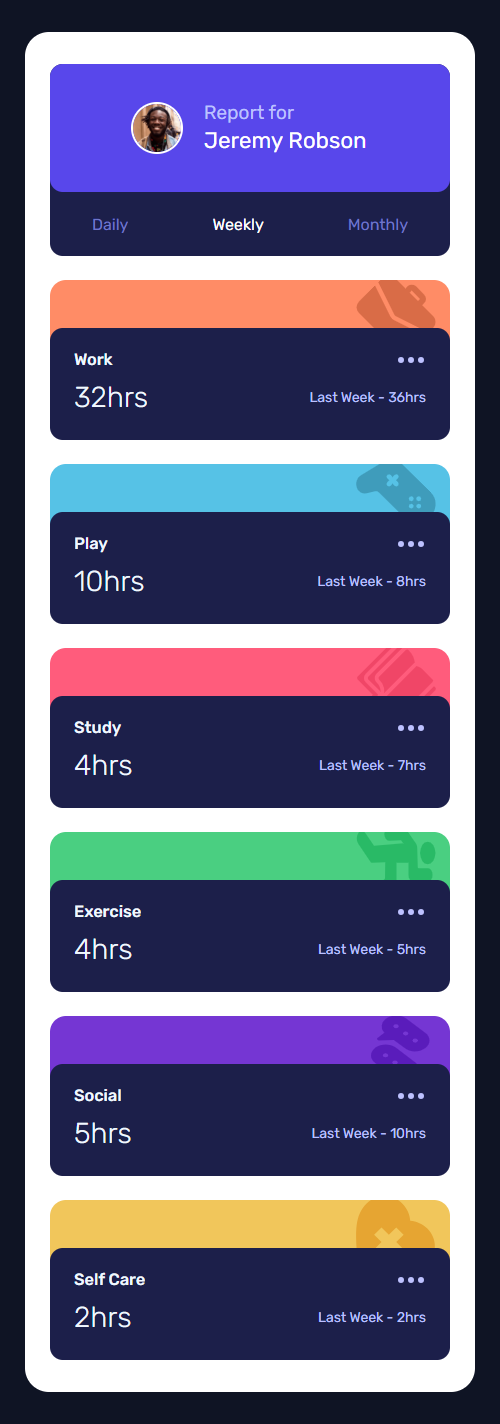 Mobile
Overview
About This Project
The Brief
The goal was to build a responsive time tracking dashboard that allows users to switch between daily, weekly, and monthly activity views. The data was provided in a static JSON file, and the UI needed to dynamically reflect changes without page reloads.
The focus wasn't just functionality — it was to explore how far vanilla JavaScript could go in managing state, rendering UI, and maintaining clean structure without relying on frameworks.
My Approach
Rather than hardcoding data into the HTML, I fetched the activity data from a JSON file and used JavaScript to dynamically populate each card. I matched cards to their corresponding data using a data-activity attribute and Array.find() — a more robust approach than relying on index order.
To handle the previous period labels cleanly, I used an object lookup instead of an if/else chain, mapping each timeframe key to its human-readable label. This kept the logic concise and easy to extend.
All event listeners were enclosed inside the fetch .then() callback to guarantee the data was available before any user interaction could trigger a UI update.
Challenges
The biggest challenge was managing the async nature of fetching the JSON data. Attaching event listeners before the data loads is a subtle but real bug — clicking a tab too early would break the UI entirely. Enclosing the listeners inside the .then() callback solved this cleanly, ensuring data was always ready before any interaction was possible.
Another challenge was keeping the previous period label in sync with the active timeframe without bloating the code with conditionals. Replacing the if/else chain with a previousLabel object made the code more readable and eliminated repetition entirely.
Tools Used