Preview
 Desktop
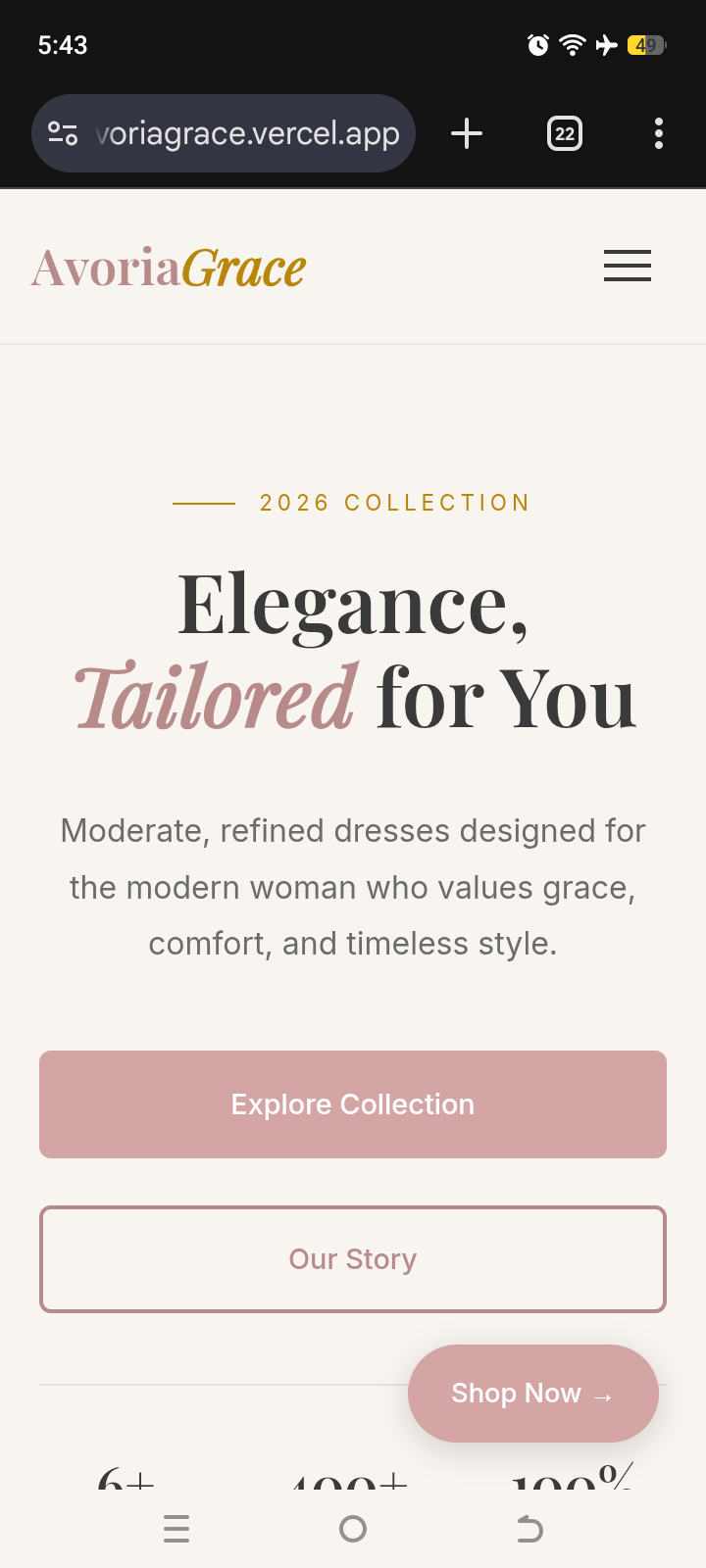 Mobile
Overview
About This Project
The Brief
AvoriaGrace is an emerging modest fashion label focused on moderate-length dresses for modern women who value elegance, craftsmanship, and intentionality. The brand required a digital presence that felt feminine but mature, avoiding cliché aesthetics while positioning modesty as deliberate design. The technical goal was to build a responsive, framework-free prototype with a custom client-side product filter system, structured for direct migration to Shopify or WooCommerce.
My Approach
I built the foundation with semantic HTML and CSS custom properties, keeping all styling internal to maintain a self-contained, auditable codebase. Layouts were constructed using CSS Grid and Flexbox, with responsive breakpoints handled natively rather than through utility classes or preprocessors.
For the shop interface, I embedded product metadata directly into HTML data-* attributes (data-cat, data-price, data-new) so filtering and sorting could run without maintaining a separate JavaScript array. Category switching uses direct DOM visibility toggling: a simple loop checks each card's data-cat against the selected filter and sets style.display accordingly. Sorting reorders existing DOM nodes in-place using Array.sort() on the NodeList, then re-appends them to preserve attached event listeners for cart and wishlist interactions. The cart runs on a minimal in-memory array; a single updateCart() function rebuilds the sidebar HTML from source data on every mutation, ensuring the UI always reflects true state. All interactive feedback—hearts, toast notifications, cart counts—is handled through targeted class toggling and direct DOM updates.
Challenges
Preserving event listeners during DOM reordering: Initially, sorting with appendChild() detached click handlers for cart/wishlist buttons. I solved this by delegating all interactive events to the parent grid container, so moving nodes never required rebinding. Lesson: delegate early when DOM structure is dynamic.
Keeping cart state and UI in sync: Updating individual cart nodes separately caused desyncs when quantity changed or items were removed. I consolidated everything into a single updateCart() function that treats the cart array as the source of truth and rebuilds the sidebar HTML from scratch on every mutation. Lesson: centralized rendering prevents state drift, even in vanilla JS.
Tools Used